

Sync up with
Real audio


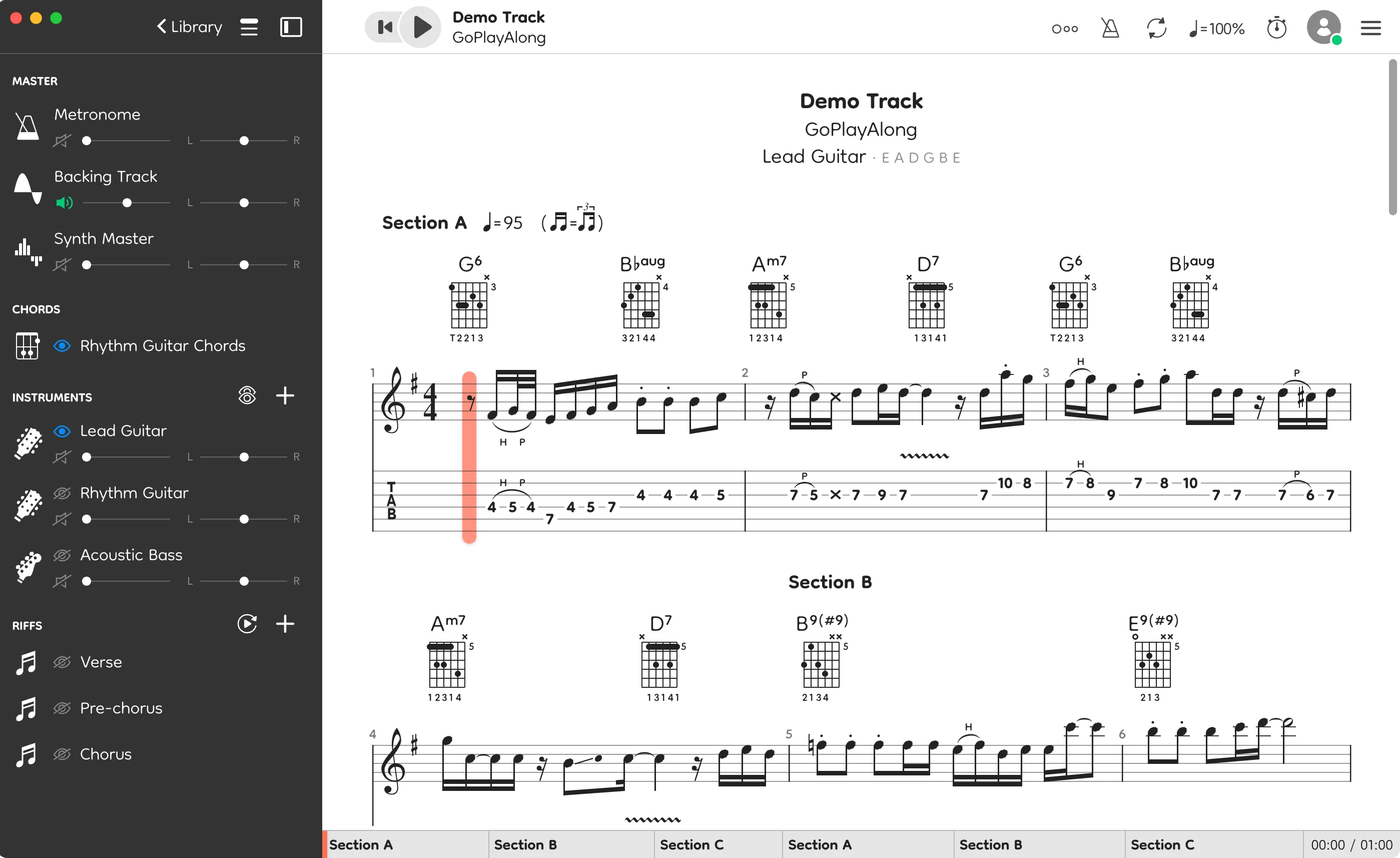
GoPlayAlong is a music collaboration and practice tool
that helps you stay focused and connect with other musicians.

What's New
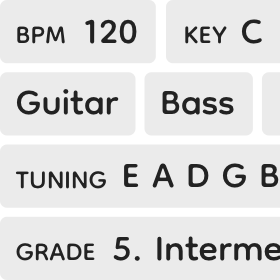
Search songs by tuning, key, tempo, ...
1/8
Find songs in your library by filtering properties like tempo, key, instruments, and tuning. Learn more
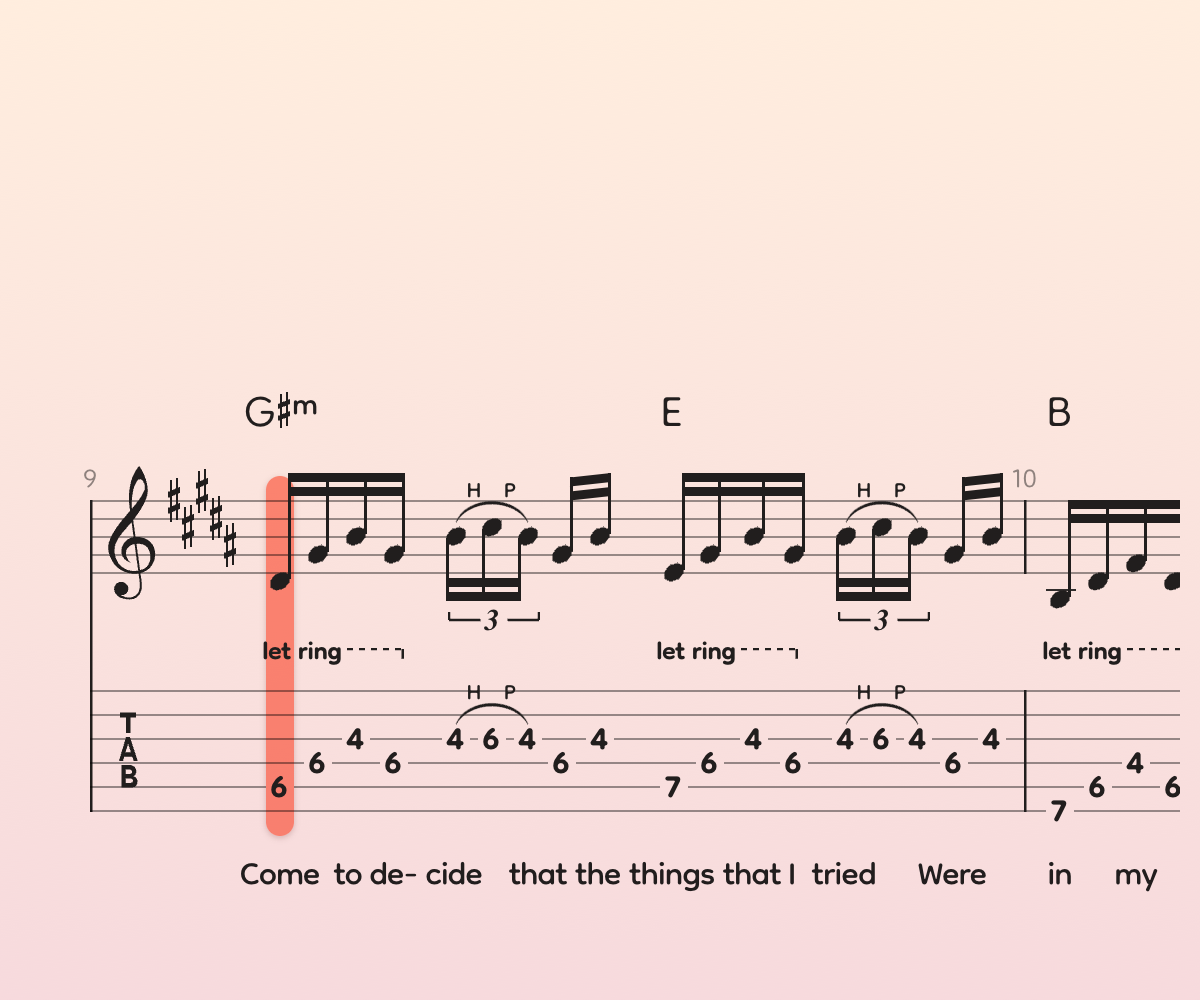
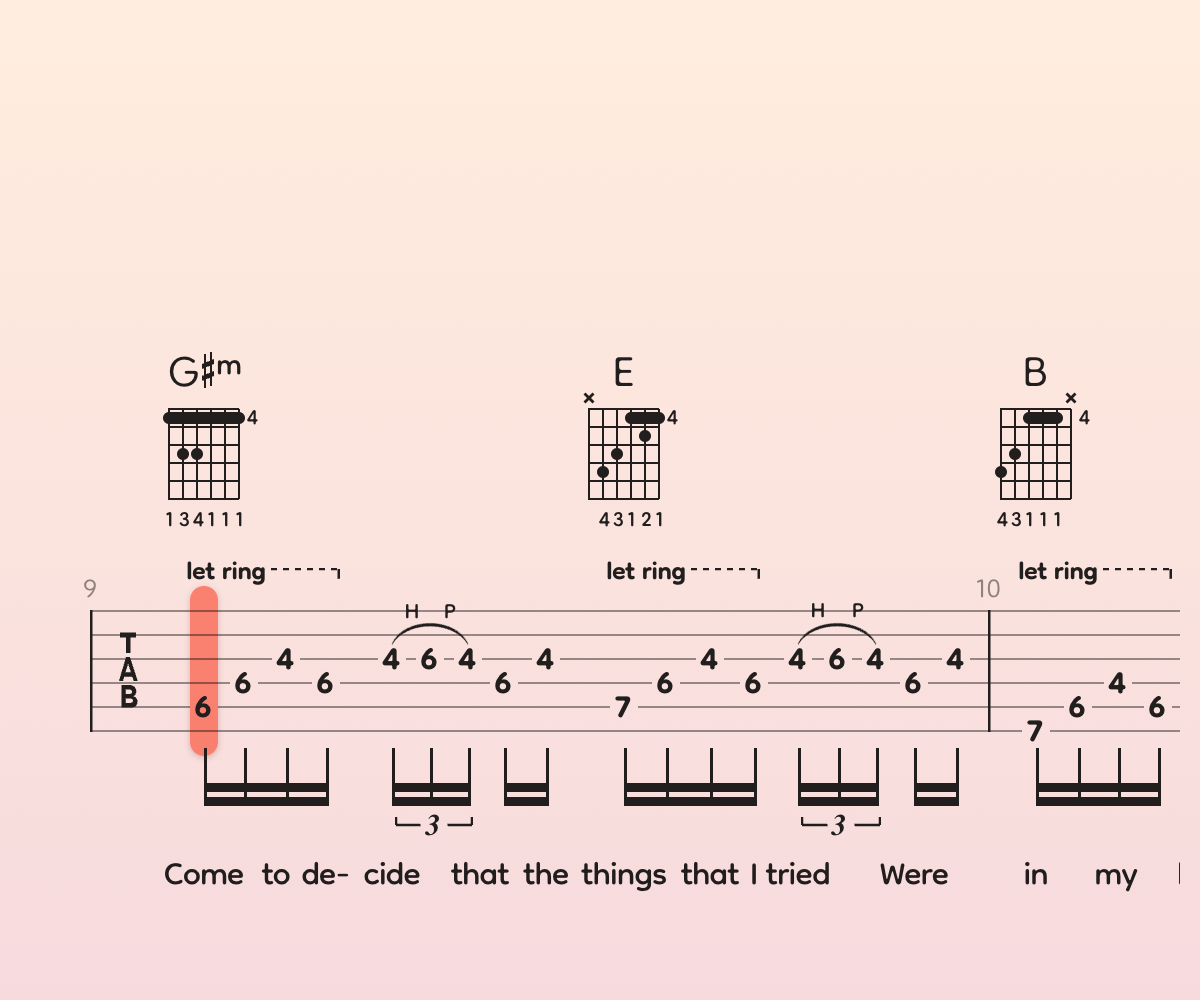
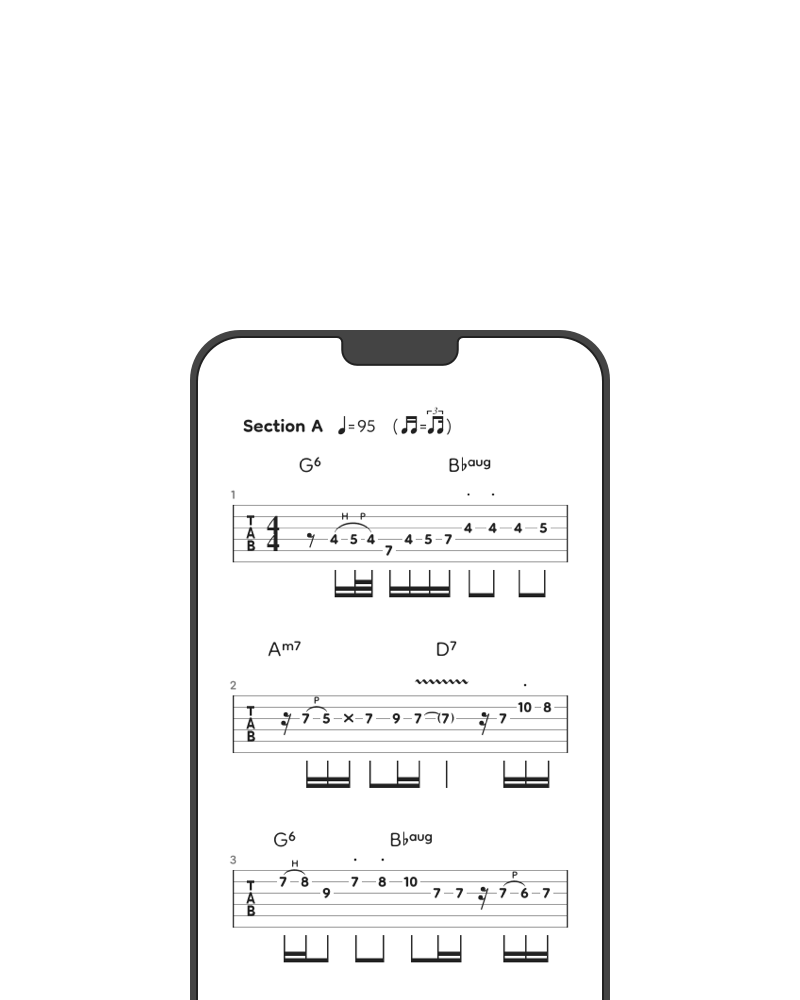
Render professional notation
Render professional-quality sheet music with optimal spacing and fewer symbol collisions.
Supported score file formats: Guitar Pro 1-8, PowerTab.
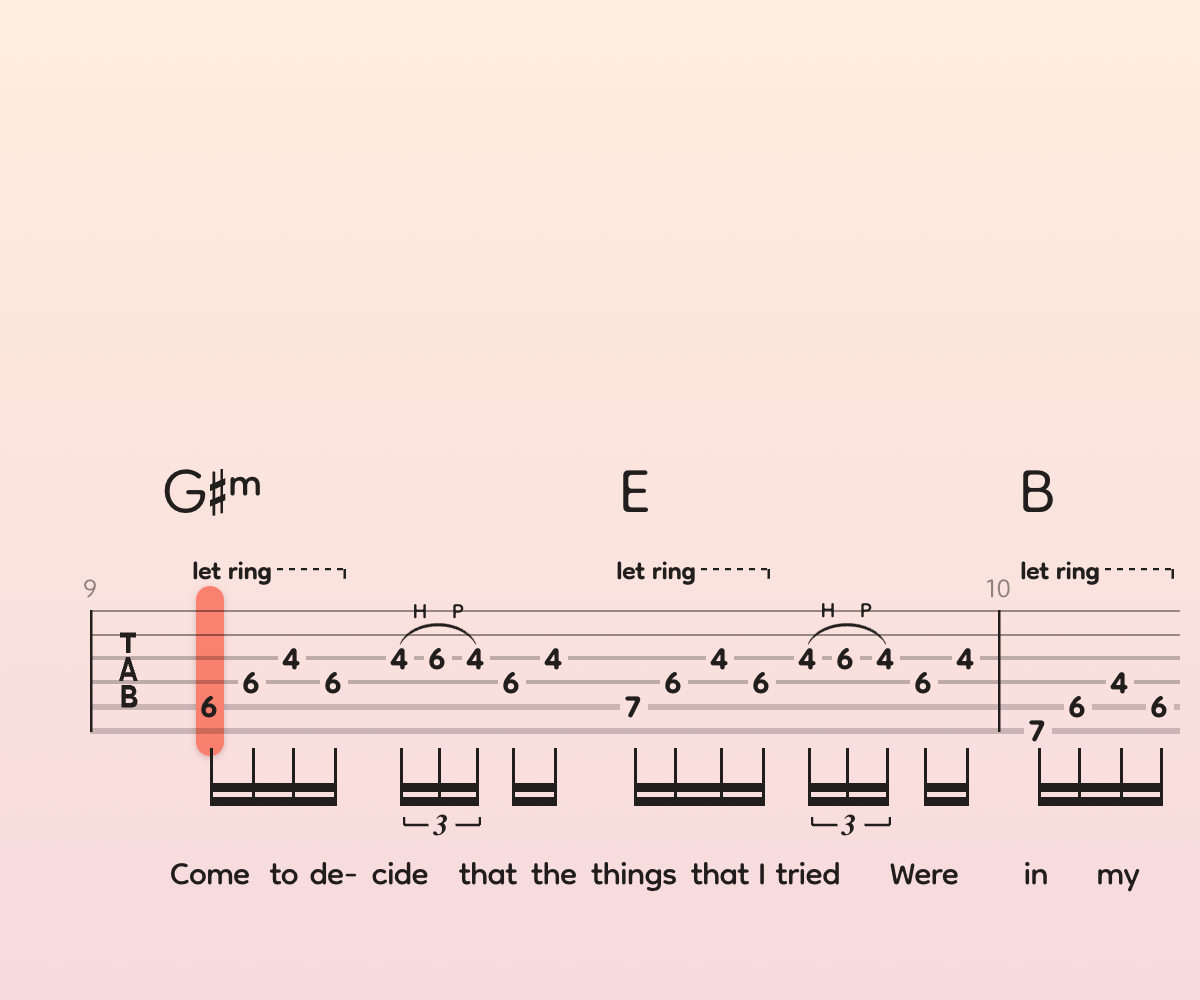
Easy to read
Powerful notation rendering engine built on industry standards and shaped by community feedback.
Notation Settings
Zoom scale
100%
Stave geometry
Stave spacing
120%
Stem height
100%
Constant stave-top position
Line breaks at section start
Varying tab line thickness
Bar layout
Bars per line
Automatic
Even bar width
Ghost bars at line endings
Music symbols
Hide tied tab notes
Hide rhythmic symbols
Hide rest symbols
Left hand fingering
Right hand fingering
Color code fingering
Text notes
Dynamics symbols
Pick stroke direction symbols
Personalize
Tailor music notation to your reading skills and personal taste.

Combine
Merge multiple instrument tracks into one. Attach lyrics or chords to any instrument.

Dark mode
Reduce eye strain or minimize light emission during live performances.
Focus
Use Riffs Mode to isolate and practice key sections of the score.

1
2
3
4
Chorus
One — Two — One, Two, Three, Four!
The core app offers a suite of powerful practice tools: a customizable metronome, count-off, tempo/pitch control, seamless looping, and a tempo trainer—all synced with the original audio.
Let music take the lead
Jam with the original recordings to make your sessions more authentic—and a lot more fun.
Supported audio formats: MP3, M4A, FLAC, and WAV. Backing tracks aren’t included in the app.

Align score and audio effortlessly
Sync score and audio automatically on first load.

Reveal audio details
Overlay transcribed notes on the audio spectrogram to verify your tabs and spot mistakes.
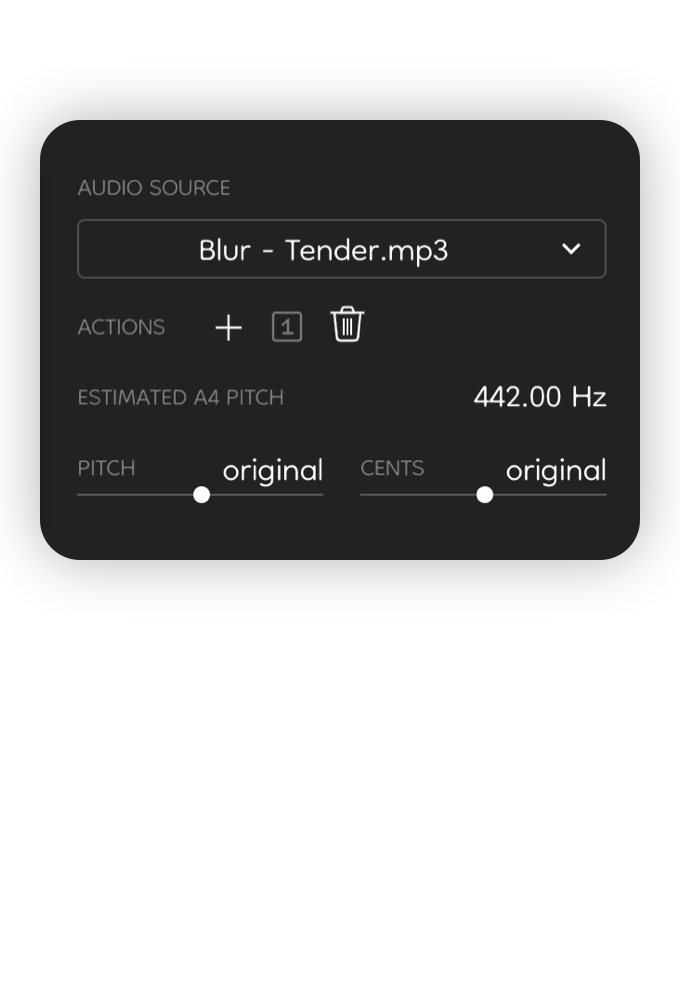
Tweak backing track
Slow down, adjust pitch (in Hz or semitones), toggle between audio versions.
Extremely fair pricing
We do our best to keep things low-pressure, so you only pay for what you actually need.
Get a perpetual version 5 license with a one-time purchase, and use it on any of your computers—Windows or macOS.
Changed your mind? Get a full refund within 60 days, no questions asked.
Opt in for a cloud license to share songs and rehearse with a group. Musicians you invite can play your songs for free.
Get email support directly from the app’s author—even if you’re not a paying customer.
Music collaboration
Give or take lessons, rehearse together, publish and share songs.

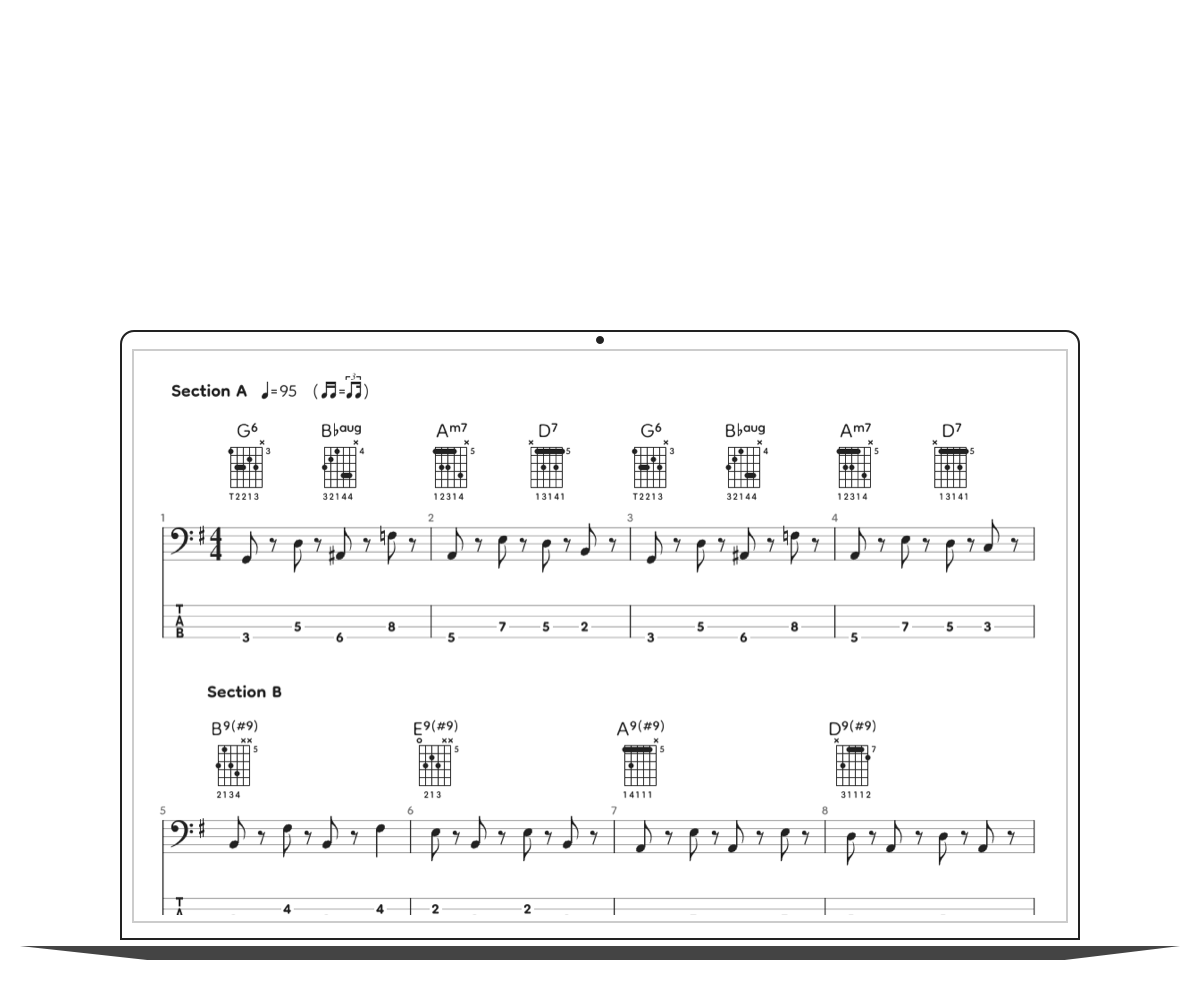
Share
Invite friends and rehearse together on multiple connected devices, perfectly synced in time.
Connect
Access from any device with a modern browser.
Cloud storage
Back up your entire song library to the cloud and access them wherever you go.
Cloud storage space
Free plan: 20 MB, paid plan: 20 GB
Cloud access
Available on any device with a modern browser
- Learn more
- Getting started
- Download tabs
- Keyboard shortcuts
- Keep in touch
- Customer service
- GoPlayAlong info
© 2009-2025
Made with by Balazs Forian-Szabo, an indie developer based in France.
Business registration number (SIREN): 981379746